



Upcoming events related to SET.


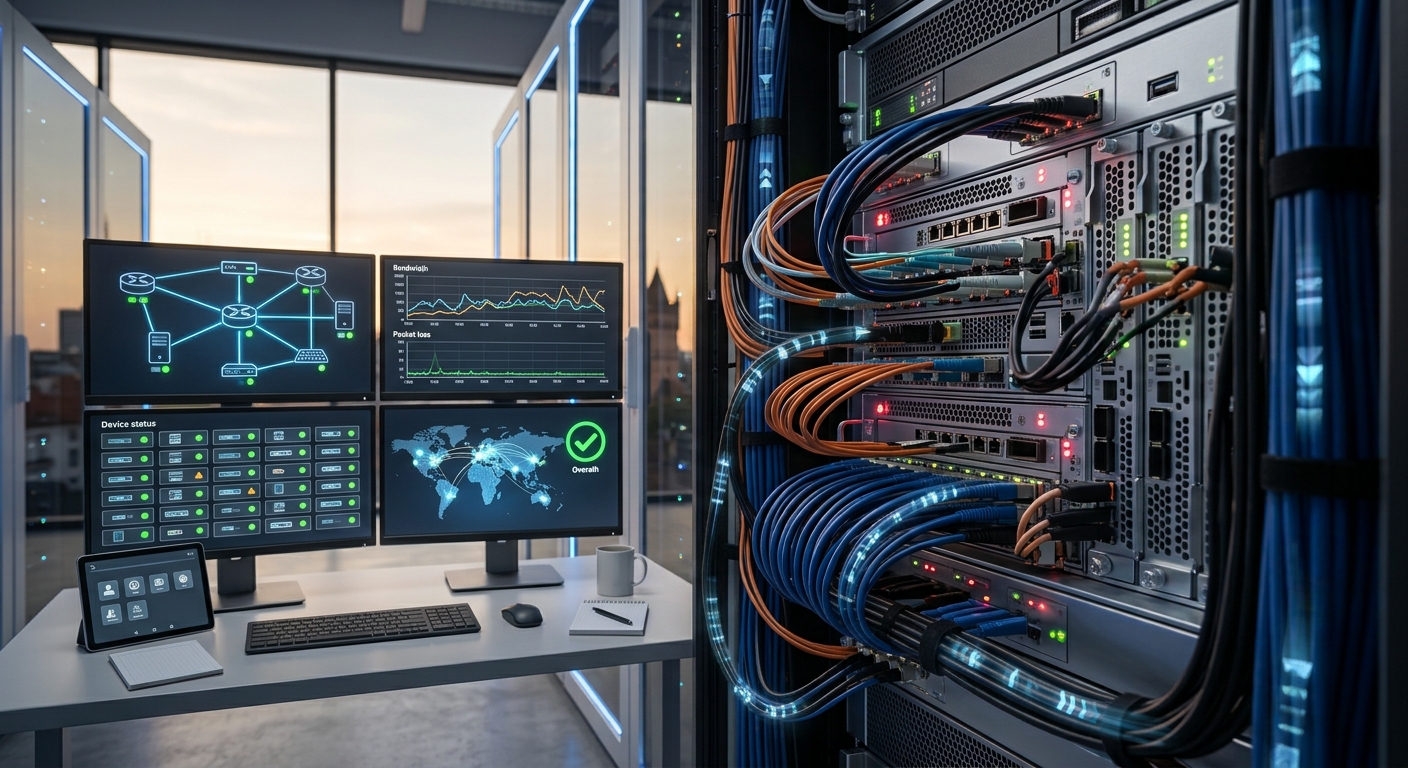
Where Data Teams Keep Their Hardware: A Look at Colocation
Not every organization wants its data in a public cloud, and not every one has a room fit for servers. Colocation sits between the two. The team owns the machines and runs them as it likes, while a specialist facility supplies the building, power, cooling, security and network connections.
What colocation is and who chooses it
In colocation, a customer rents space for its own equipment in a professional data centre. The customer chooses the hardware, installs the software and manages the system. The facility provides the physical environment, which is the part a small team finds hardest to build and maintain.
Data teams use it for several reasons. Some have large storage arrays that are cheaper to own than to rent, some run specialized hardware, and some have regulatory or contractual reasons to keep full control of the equipment. Others are moving servers out of an office closet after a power cut or an overheating incident.
The Delta.BG guide frames the choice around requirements. It advises defining what the infrastructure needs in space, power, cooling, connectivity, security and support before comparing facilities. A short requirements document, even one page long, prevents the common mistake of choosing on price alone and discovering later that power, space or connectivity falls short. Read the guide at https://delta.bg/en/blog/how-to-choose-a-colocation-data-center-en.
Understanding tier ratings
Data centres are often described by tier. Zenlayer explains in its article on data center tiers, citing the Uptime Institute, that the tier system gives the industry a consistent way to compare facilities based on expected infrastructure performance. It says a Tier III facility is concurrently maintainable, needing no shutdowns for equipment replacement and maintenance, with uptime of 99.98 percent and about 1.6 hours of downtime a year.
The same article observes that Tier I and Tier II facilities are typically enough for businesses that can tolerate occasional downtime after hours or at weekends, and that Tier III or IV may be extra investment for those who do not need round-the-clock uptime.
Be careful with the wording. A facility that says it follows Tier III standards has described its design. A facility with a certificate has been assessed. Ask which applies, and ask for the documentation.
Do not treat tiers as the whole story. A rating describes how power and cooling are built, and it says nothing directly about security, network quality or how well staff run the site. A well-operated facility at a lower tier can outperform a poorly run one at a higher tier, and your own design, such as spare servers and backups, decides how much downtime you will actually feel.
Power, cooling and connectivity
Three physical systems decide reliability. Power needs redundant feeds, battery backup and generators. Cooling needs spare capacity so that one failure does not raise temperatures across a hall. Connectivity needs several independent carriers so that a cut cable or a provider outage does not isolate you.
Delta describes its colocation service as space in an Equinix Tier 3+ data centre in Sofia with redundant power and cooling, three independent internet providers, flexible equipment deployment options and optional 24/7 administration. Those items map onto the three systems, and they show the questions to put to any provider.
Ask about density too. A rack that holds storage servers draws far less power than a rack of accelerators, and a facility must be able to supply and cool what you plan to install, not only what you install first. Ask how much headroom exists for growth, and how quickly extra capacity can be added.
Location, residency, security and contracts
The guide advises evaluating the location based on infrastructure needs and not only on distance from the office. It also tells customers to account for data residency requirements and the applicable jurisdiction, which matters for personal data and for public sector work.
Security deserves the same attention. The guide says physical security should be evaluated based on the equipment and data that will be hosted, and that customers should ask for documentation, certifications or reliability data that support the provider's claims. Visit the site if you can, and look at access control, cameras and visitor procedures.
Read the contract closely. Terms on service levels, response times, power charges, remote hands fees, notice periods and exit assistance determine whether the arrangement stays comfortable over several years. Ask what happens if prices rise at renewal, whether power is metered or included, and how long the provider will help if you decide to move out.
Moving in
Migration is a project, not a day. Delta's checklist for colocation migration describes two approaches. Physical relocation moves existing equipment to the new facility and reinstalls it. Migration to new infrastructure builds a new environment in advance, and applications, data and services move gradually, which allows more testing before the final cutover.
The checklist warns that even when every system works in the new centre, a wrong network configuration can make services unreachable. Map dependencies, prepare addressing and DNS changes, and plan a rollback so that a failed cutover can be reversed quickly.
After the move, settle into routines. Label cables, document the layout, test remote access and agree on how out-of-hours problems are handled, including who can enter the facility and who can touch the hardware on your behalf. Keep a spare parts kit on site if the contract allows it, and agree response times for any hands-on help you may need.
FOLLOW US

Presidency

Secretariat

WiTEC Partners